

have questions?
Always the correct parts.
We know automotive.
Give us a call.
Get your parts fast.
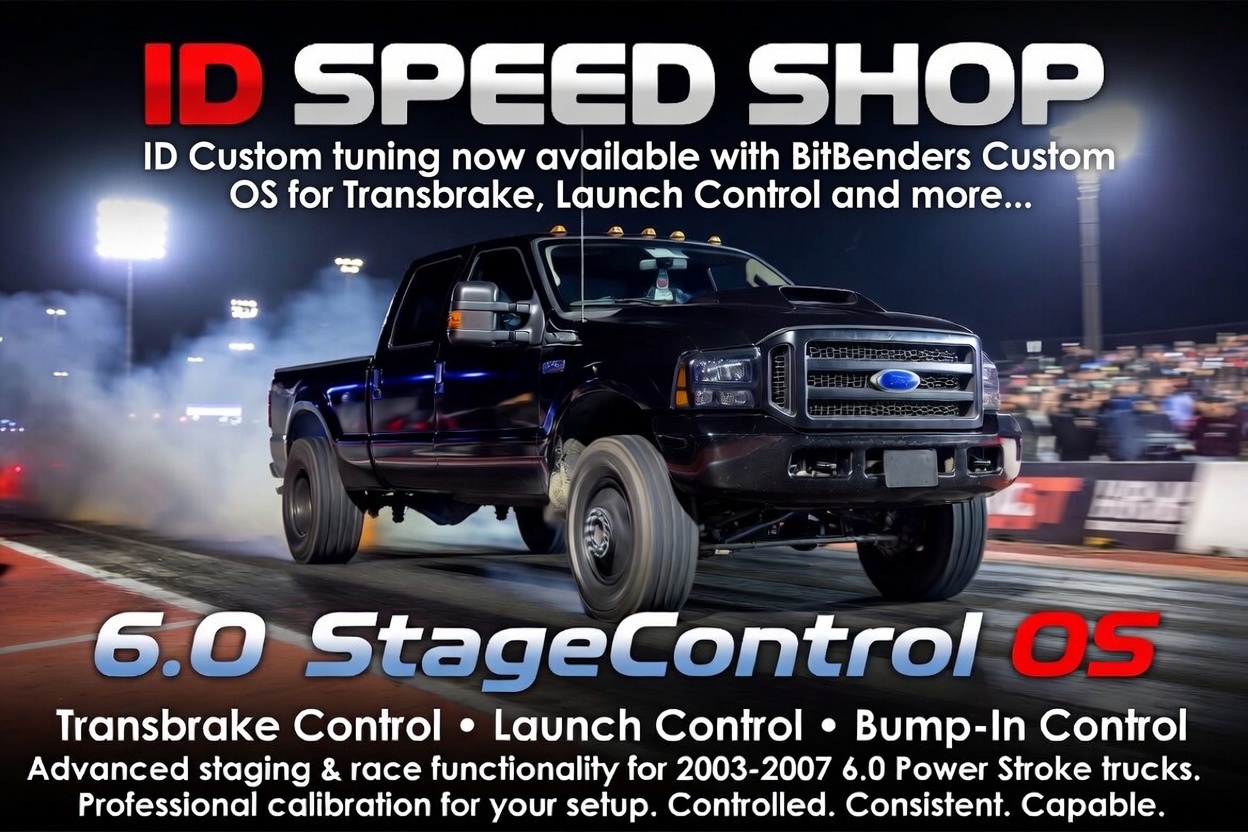
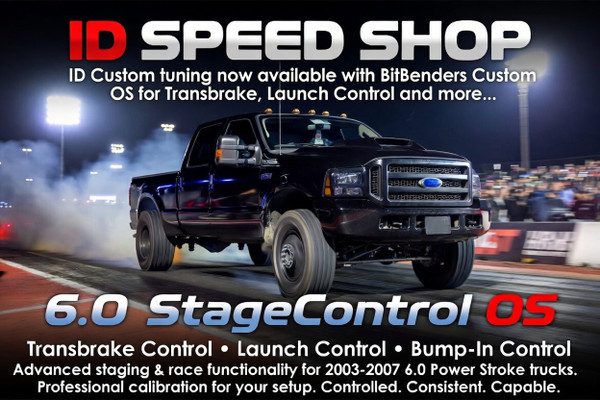
6.0 StageControl OS Tuning Package
We are now offering tuning packages for supported 2003–2007 6.0 Power Stroke trucks equipped with the 6.0 StageControl OS, developed by BitBenders Performance.
This package adds advanced staging and race-focused functionality such as transbrake control, launch control, and bump-in control while still allowing the truck to be professionally calibrated for your specific setup.
The goal is simple: give 6.0 Power Stroke owners a more controlled, consistent, and capable starting-line setup without requiring a standalone transmission controller or a complicated external control system.
What It Adds
The StageControl OS allows us to offer features that are not normally available in a standard 6.0 Power Stroke calibration.
Available features include:
Configurable Options
The 6.0 StageControl OS can be configured around the customer’s truck, wiring, and intended use.
Depending on the setup, configurable options may include:
This allows the package to be tailored for different race setups, street/strip trucks, dedicated drag trucks, or custom wiring configurations.
Built-In Safeties
The StageControl OS includes configurable safety limits designed to help prevent the system from activating in the wrong conditions.
Depending on the setup, available safeties may include maximum vehicle speed limits, maximum shaft speed limits, brake input requirements, activation input requirements, bump-in time limits, and feature enable/disable settings.
These safeties help make sure the staging features are only active when the truck is in the correct operating conditions. The exact configuration may vary depending on the truck, wiring, tuning platform, and intended use.
Standalone Harness Compatibility
The StageControl OS can also be used with standalone harness setups. This makes it a strong option for swapped trucks, race builds, and custom chassis applications where the factory truck wiring may no longer be fully intact.
Depending on the harness and configuration, activation and bump-in controls can be set up using available inputs such as cruise control, PTO input, brake input, or other supported wiring options.
This gives customers more flexibility when integrating the system into their specific build.
Transbrake Functionality
On supported trucks with the factory-controlled 5R110 transmission, the StageControl OS allows transbrake-style functionality to be added through the tuning package.
When activated, the system helps hold the truck in place while the driver builds boost at the starting line. When released, the truck can leave in a more controlled and consistent manner compared to foot-braking alone.
This is especially useful for drag racing applications where staging consistency, boost control, and repeatable launches matter.
Launch Control
Launch control helps manage engine output while the truck is staged. Rather than relying only on throttle input, the truck can be set up to target a more controlled launch behavior based on the calibration and configuration.
This can make the truck easier to manage at the line and help improve consistency from pass to pass.
Bump-In Control
Bump-in control allows the truck to move forward in small, controlled increments while staged. This helps the driver fine-tune position in the beams without fully releasing the truck.
For drag racing, this can make staging smoother and more repeatable.
Example Track Use
A typical use at the drag strip may look something like this:
The exact activation method and behavior can be configured around the truck, wiring, and driver preference. Some setups may use factory inputs, while others may use dedicated buttons or a standalone harness configuration.
The result is a more controlled and repeatable staging process compared to trying to manage everything with the brake pedal and throttle alone.
How the Process Works
The process starts with reading the truck using the supported tuning platform. Once the file is read, we process the file with the StageControl OS features and complete the required tuning and calibration for the truck.
From there, the completed file is flashed back into the truck and configured based on the customer’s setup, activation method, and intended use.
In simple terms:
Important Notes
This is a tuning package that includes custom OS functionality developed by BitBenders Performance. The StageControl OS adds the feature capability, while the calibration is still handled as part of the tuning process.
Transbrake functionality requires the factory-controlled 5R110 transmission system to be present. If the truck has been swapped to a different transmission setup, launch control may still be available, but transbrake functionality may not apply.
Supported applications currently include select 2003–2007 6.0 Power Stroke strategies. Standalone harness compatibility may depend on the specific wiring, inputs, and configuration used on the truck.