


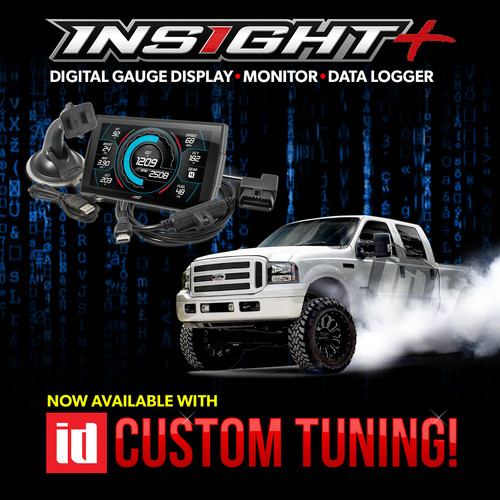
To read your vehicle, on the menu go to Custom tuning and read backup.
Once you read your truck, the two factory files will be backed up into a folder named "tunes".
Plug the Insight into your PC, it'll show up as a drive letter named "CTS3".
Attach those two files in a reply to this email and I'll get you tunes built.
Below is a video from Edge on copying the emailed tunes to
…
read more
read more
How to Transfer Maps to your Accessport
Posted by ID Speed Shop, Cobb on 2025 Sep 22nd

How to Transfer Maps to your Accessport:
Installing Tunes to your Cobb Access Port
Open the Accessport Manager application on your computer. If you do not have Accessport Manager installed on your computer, you may download it: Here. Update your Accessport via Accessport manager before we start the tuning process!!
How to update your Cobb Access Port
Plug the Accesspor
…
read more
read more
ID Custom Tune Options for your 6.0L Powerstroke
Posted by ID Speed Shop on 2025 Feb 19th
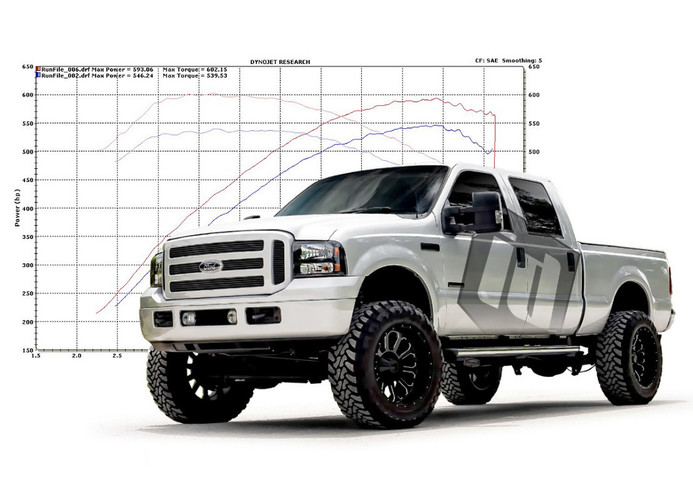
Looking for the best tunes for your 6.0L Powerstroke, with performance, safety, and reliability in mind? Look no further. ID is here to provide you with everything you need for your truck. We have an excellent track record going back over 20 years, with the support to back it up.
Performance
+190 Horsepower
+320 ft-lbs Torque
No Throttle de
…
read more
read more