


SCT: BDX Just Got Smarter
Posted by ID Speed Shop, SCT on 2026 Oct 29th
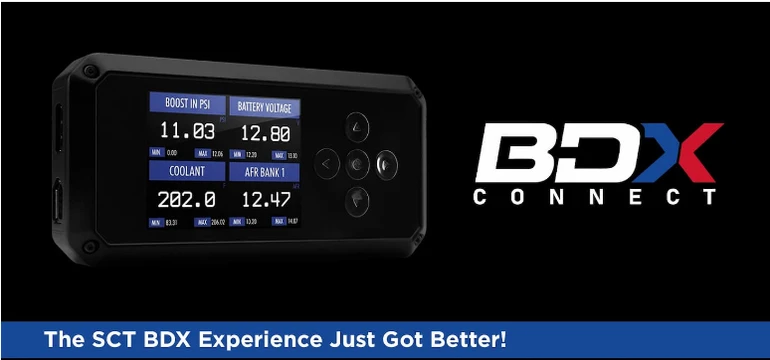
More power. More control. Now more connected. Meet BDX Connect, the free Android and iPhone app that turns your phone into your tuning tool. CloudTune already took the computer out of custom tuning. BDX Connect takes the next step: everything your SCT BDX needs now comes through the phone in your pocket. Pick an option on your BDX, scan the code with the app, and BDX Connect do
…
read more
read more
How to datalog with Diablosport devices
Posted by ID Speed Shop on 2026 Jul 7th
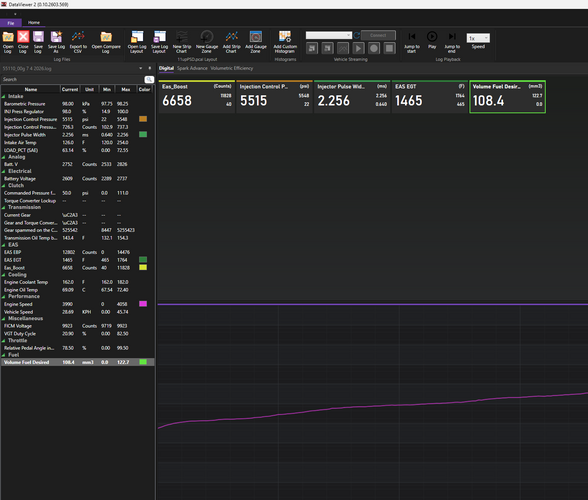
To datalog with a DiabloSport tuner (such as the inTune or Trinity), plug the device into your car's OBD-II port, navigate to Scan Tool > Data Logging, and hit Record. Drive your vehicle as requested by your tuner, stop the log, and use a PC to export and email the recorded data files.
Here is the step-by-step process for recording and retrieving your datalog:
1. Rec
…
read more
read more
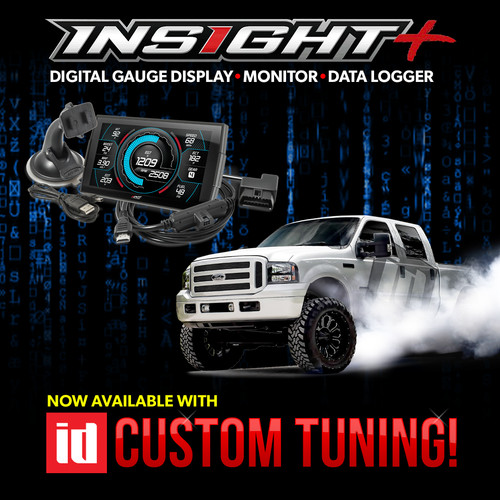
To read your vehicle, on the menu go to Custom tuning and read backup.
Once you read your truck, the two factory files will be backed up into a folder named "tunes".
Plug the Insight into your PC, it'll show up as a drive letter named "CTS3".
Attach those two files in a reply to this email and I'll get you tunes built.
Below is a video from Edge on copying the emailed tunes to
…
read more
read more