


How to datalog with Diablosport devices
Posted by ID Speed Shop on 2026 Jul 7th
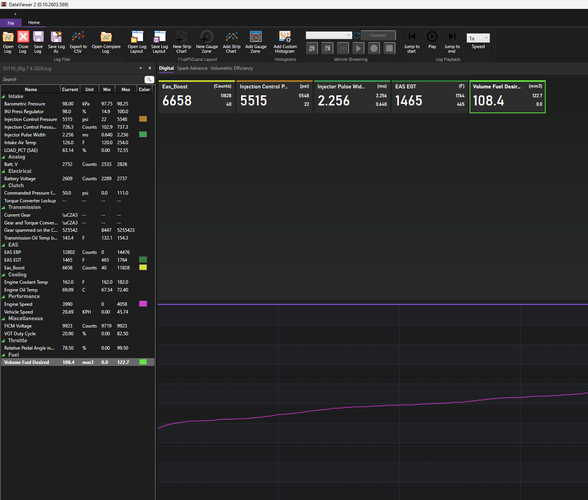
To datalog with a DiabloSport tuner (such as the inTune or Trinity), plug the device into your car's OBD-II port, navigate to Scan Tool > Data Logging, and hit Record. Drive your vehicle as requested by your tuner, stop the log, and use a PC to export and email the recorded data files.
Here is the step-by-step process for recording and retrieving your datalog:
1. Rec
…
read more
read more
Ford 6.0 Powerstroke StageControl OS Tuning Package
Posted by ID Speed Shop BitBenders on 2026 Jun 14th
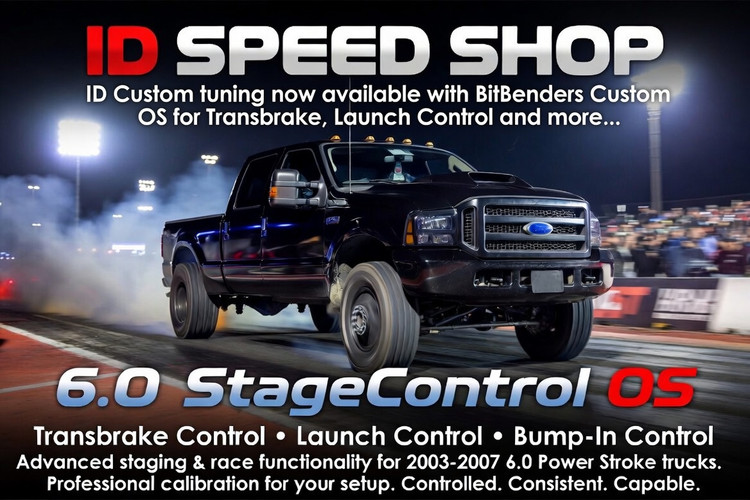
6.0 StageControl OS Tuning Package
We are now offering tuning packages for supported 2003–2007 6.0 Power Stroke trucks equipped with the 6.0 StageControl OS, developed by BitBenders Performance.
This package adds advanced staging and race-focused functionality such as transbrake control, launch control, and bump-in control while still allowing the truck to be professional
…
read more
read more
Why use ID FICM Tuning on your Ford 6.0L Powerstroke?
Posted by ID Speed Shop on 2026 May 20th
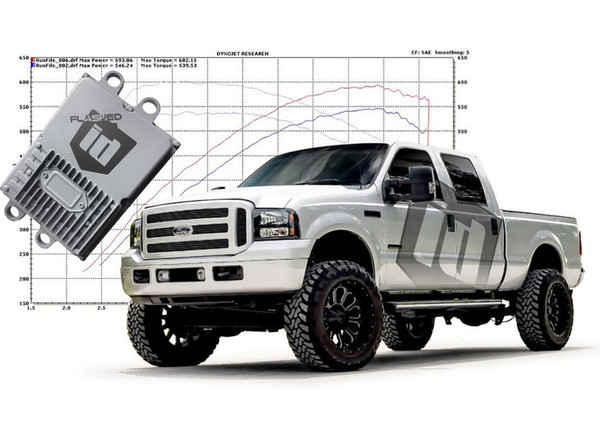
Tuning the FICM (Fuel Injection Control Module) on a 6.0L Powerstroke with ID Speed Shop is mainly about improving injector control and drivability beyond what standard PCM tuning can do.
Better throttle response
One of the most noticeable changes is quicker pedal response and less turbo lag. The FICM directly controls injector operation, so tuning it can make the truck feel mo
…
read more
read more