


EGT Probe Promo Starting July 1st and running through August 31st, 2026
Posted by ID Speed Shop and Edge on 2026 Jun 30th
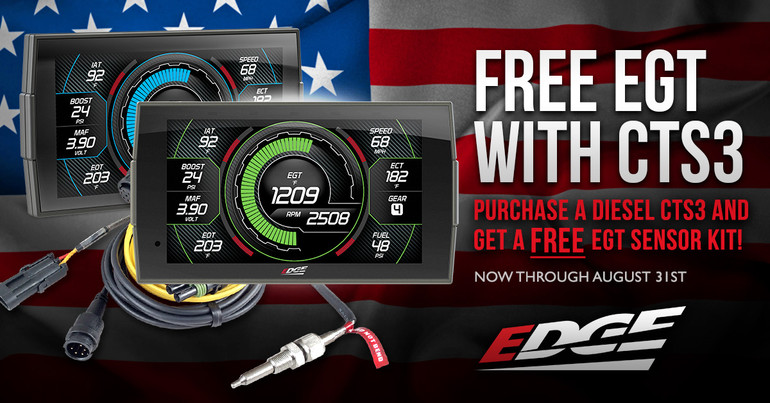
Real diesel power demands real data! That's why serious diesel drivers trust the Edge CTS3 platform as their first must-have upgrade when it comes time to monitor live data with precision. Starting July 1st and running through August 31st, 2026 your purchase of any qualifying Insight, Insight+, or Evolution Diesel CTS3 device gets your a FREE 98620 EGT Probe kit
…
read more
read more
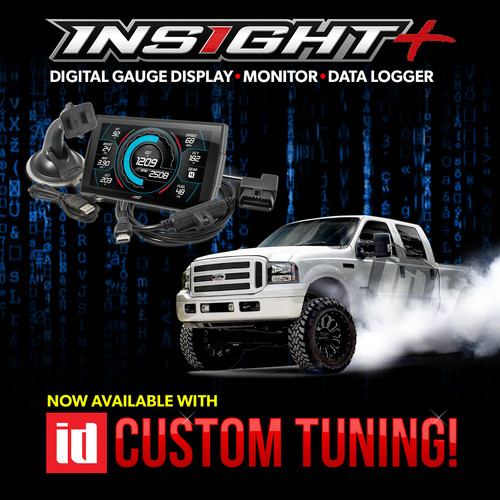
To read your vehicle, on the menu go to Custom tuning and read backup.
Once you read your truck, the two factory files will be backed up into a folder named "tunes".
Plug the Insight into your PC, it'll show up as a drive letter named "CTS3".
Attach those two files in a reply to this email and I'll get you tunes built.
Below is a video from Edge on copying the emailed tunes to
…
read more
read more
Adding the ID Speed Shop Tuning Background to your Edge CTS3
Posted by ID Speed Shop on 2025 Oct 2nd
Right click the ID Speed Custom Tuning image above and save it to your PC. Remember the location so you can find it for Step 4 below.
Connect your Insight CTS3 to your computer using a USB cable.
Open your computer's file explorer and locate the CTS3 drive.
Open the designated folder on the CTS3 (often labeled with the device name).
Drag and drop
…
read more
read more